On this page
Oris has a new look, in the app and on orisnotes.com. It records your meetings on your Mac, transcribes them on-device, and puts a short summary in your notes.
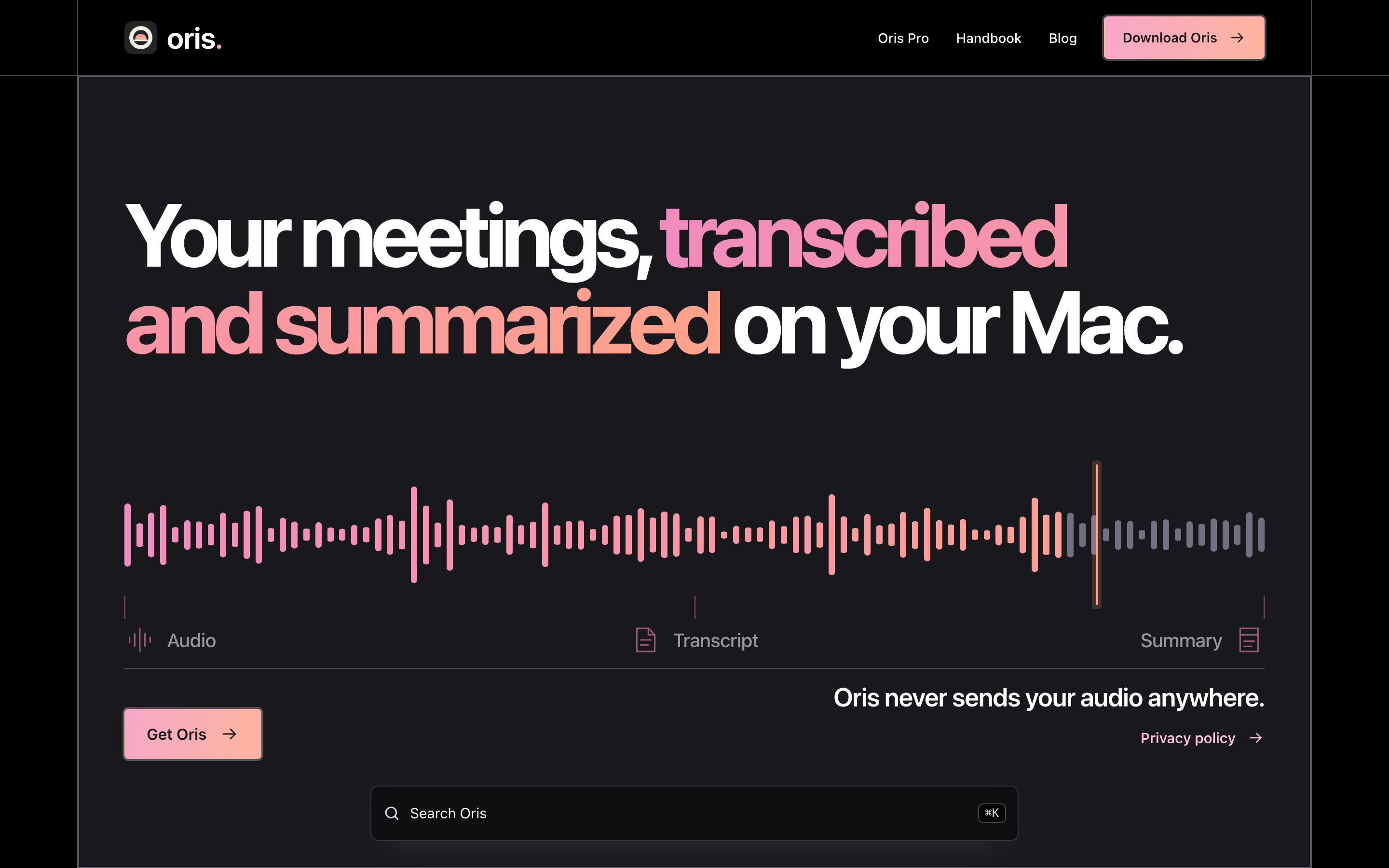
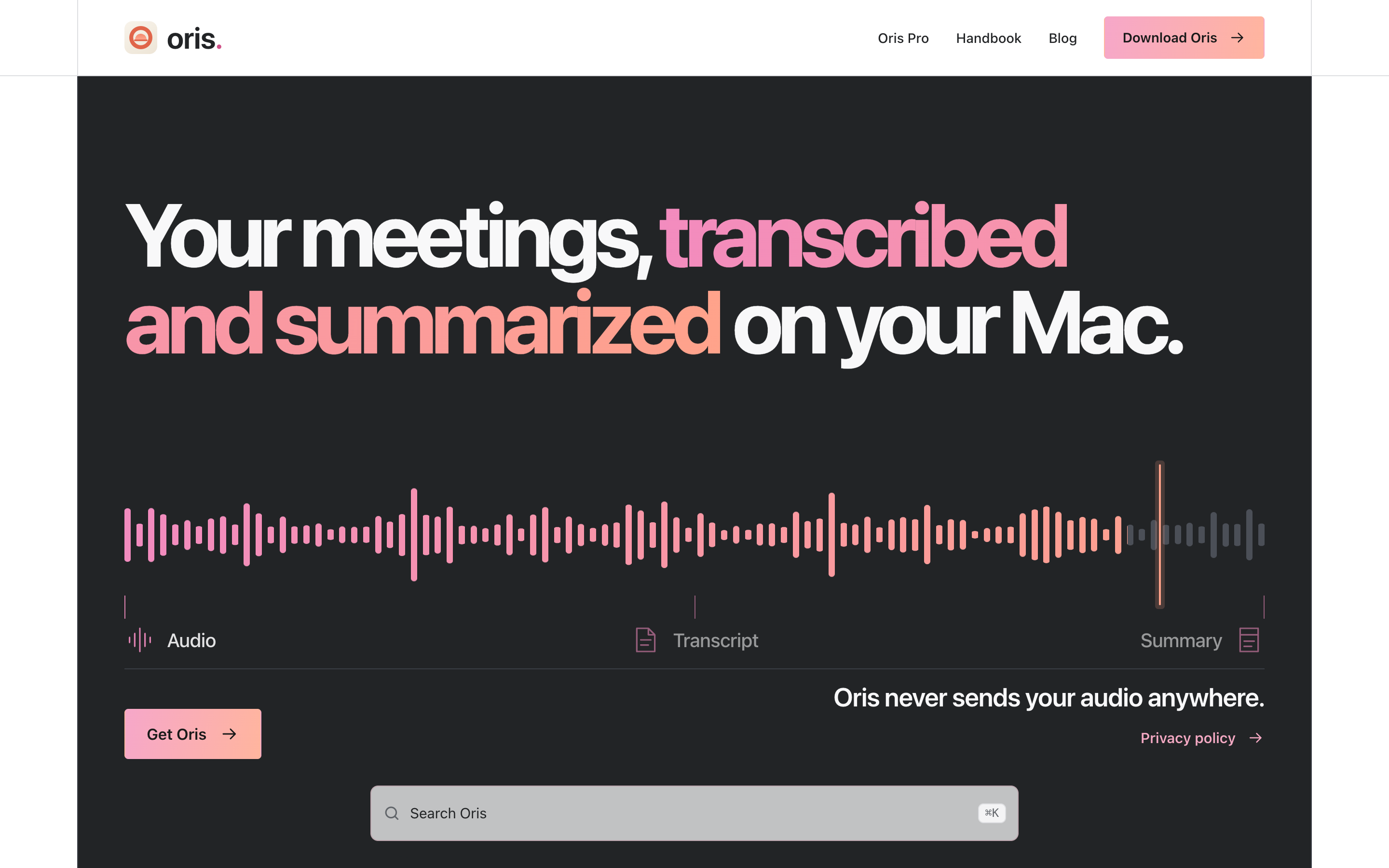
The new look
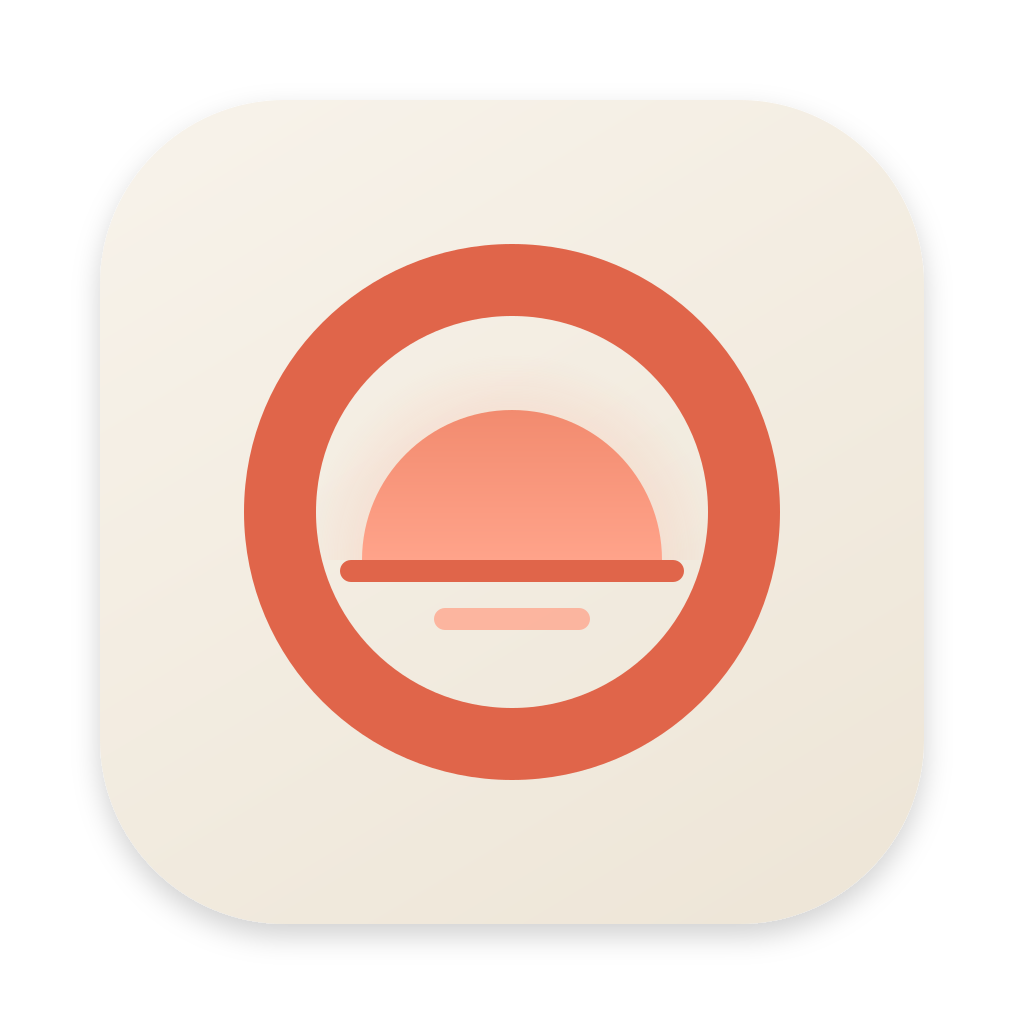
The new logo and app icon are cream in light mode and charcoal in dark mode on macOS 26 and later.
The menu bar icon now shows Oris’s state. While idle it shows an empty ring, while recording a red microphone, and lighter dots while the transcript and summary are being made.
The accent colour is now salmon to peach, throughout the app and on orisnotes.com, which has been redesigned to match, with the same logo and palette in both light and dark.
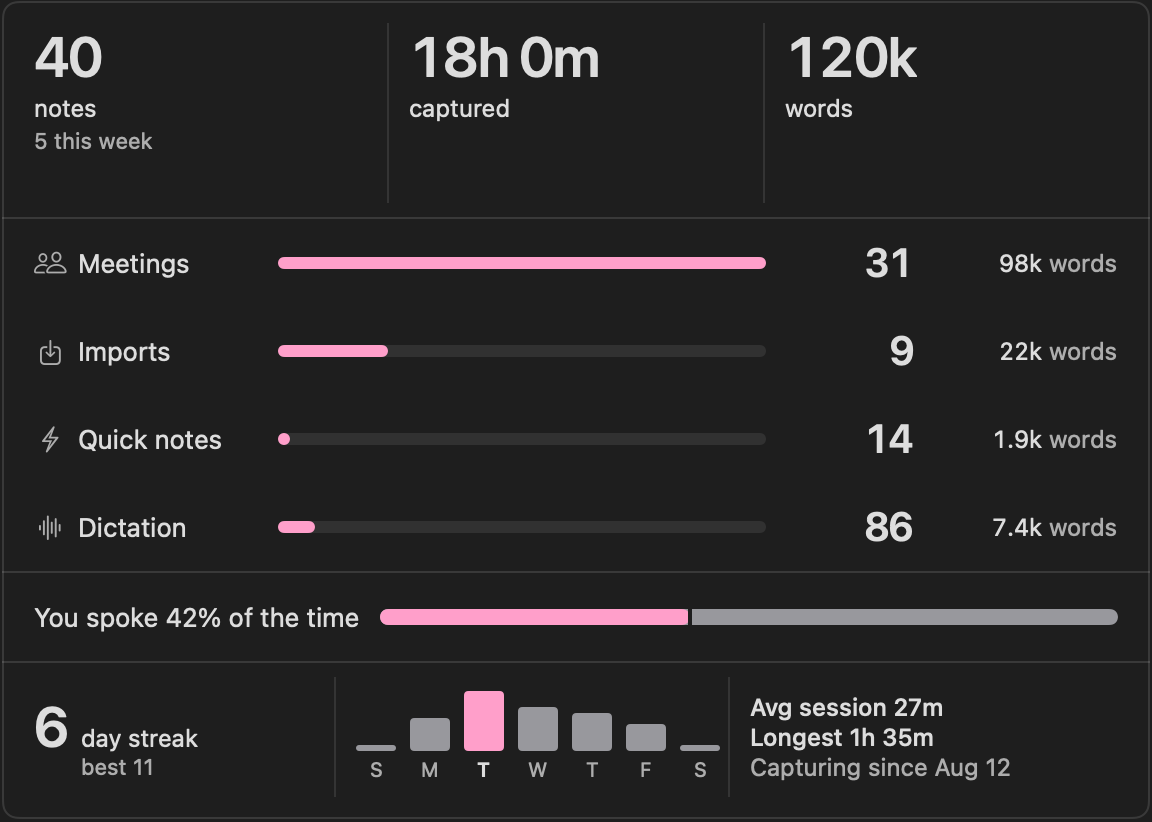
Your Oris now tracks four capture kinds — meetings, imports, quick notes and dictation — each with a word count.
Also in this release
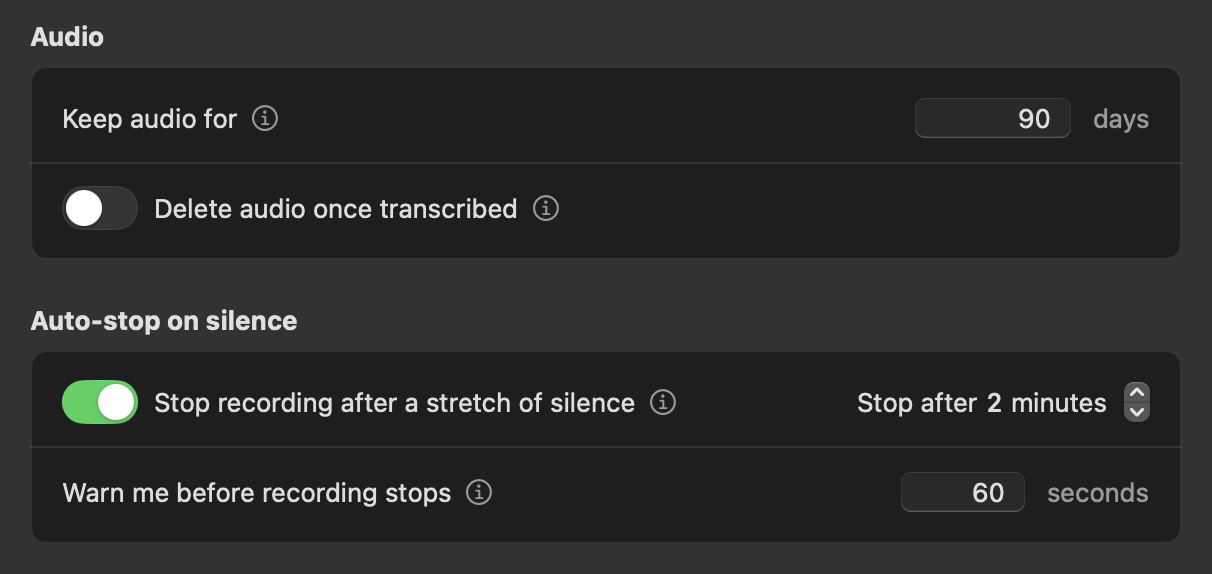
Delete audio once transcribed. Under Settings → Recordings, a new switch deletes a meeting’s audio as soon as its note has landed. It works for Obsidian, a Markdown folder, Apple Notes and Notion. A recording whose transcript came back empty or whose summary failed keeps its audio for the usual number of days, so Retry still works. The switch is off by default.
Notes named from their summary. When Oris names a meeting itself, it now writes a short title from the summary instead of “Meeting”. A second switch below “Name notes from the summary” also renames the Obsidian note a meeting was recorded into; that one is off by default.
The Pro tab now shows what Pro includes. An Included box has the switches for dictation, meeting detection and Decisions & action items in one place, so you can turn them all on without hunting through the other tabs.
A heads-up before a free trial ends. In the last week of a trial, Oris shows when it ends and offers the founding price.
Long meetings reach Notion. A meeting too long for one Notion request now arrives as one page. A note Oris couldn’t send before goes through when you press Retry.
A vault or folder you move or rename no longer gets recreated empty by the next recording; the note waits under Awaiting delivery until you choose the folder again. A failed summary now says what went wrong, whether a rejected API key or an unreachable server. A custom on-device model that doesn’t exist fails with its name, and the on-device fallback still runs.
The full changelog is at orisnotes.com/changelog?v=0.14